Collages you’ll love.

New for iPhone · coming soon to the App Store

The collage app for iPhone. Completely free. No ads, no subscription, no account, no paywall when you save.

An app by WebRise Studio, Emmenbrücke, Switzerland.

Features

Everything included.
Nothing to buy.

Everything you need for a beautiful collage is there from the start. No pro version, no lock icons.

Summer
Caveat

    Text in 12 fonts

    From handwriting to typewriter to magazine. Pick any color, size and background.

    Original1 / 18

    18 filters with film grain

    Warm, Film, Instant, Golden Hour, BW Film and more. Plus grain and vignette.

    ▶ Animated

    As an image or animated video

    Save in best quality or as a moving collage for stories and reels.

    9:16
    StoryFeedProfileSquarePrint

    Every format

    Story 9:16, feed 4:5, profile 3:4, square, carousel, print 4×6 and A4.
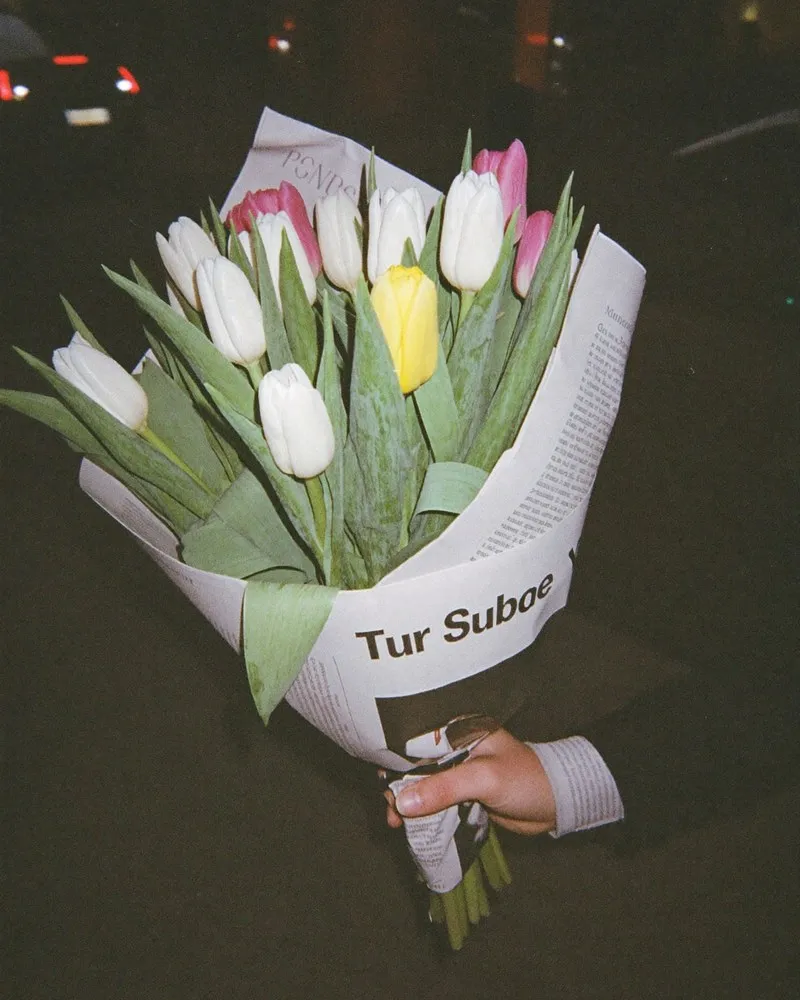
    Heart

    Shapes

    Heart, arch, circle, stamp, torn paper and more.

    Color palette from your photos

    mosa finds the colors in your pictures and turns them into backgrounds and accents.

    hello Drag me around

    Stickers and tape

    Sun, hearts, tape and handwriting. Try it right here.

    slow sunday
    gallery day
    Drag the pictures around

    Free canvas

    No grid, no limits: place, crop, rotate and stack photos freely. With tape, stickers and handwriting, just like on real paper.


    Cutout

    Cut out a person with one tap, with a white sticker edge.

    How it works

    Step by step to your collage.

    Scroll sideways through everything mosa can do.

    Keep scrolling→


    1234
    01

    Pick photos

    Choose up to 20 photos. mosa drops them into a beautiful grid right away.

    02

    Drag the dividers

    Pull the white handles. Every cell adapts, no fiddling.

    03

    Crop

    Tap a photo and drag the corners until the framing is just right.

    04

    Switch layouts

    Over 500 layouts. One tap and everything rearranges.

    Good times
    05

    Text and stickers

    12 fonts, stickers and tape for the finishing touch.

    06

    Date stamp

    The date like on old digicam photos. Glow included.

    Original1 / 18
    07

    Filters and grain

    18 looks from Warm to BW Film, plus real film grain.

    08

    Freestyle mode

    Grid off. Move, rotate and stack photos freely.

    Save to PhotosSaved
    09

    Save

    As an image or animated video. No watermark, no paywall.

    All of it free.
    Later too.

    No paywall when saving, no watermark, no account.

    01 / 09

    Templates

    Over 60 templates.
    Just add photos.

    From editorial to birthday: every template is fully designed. Pick a category to spot it on the wall.


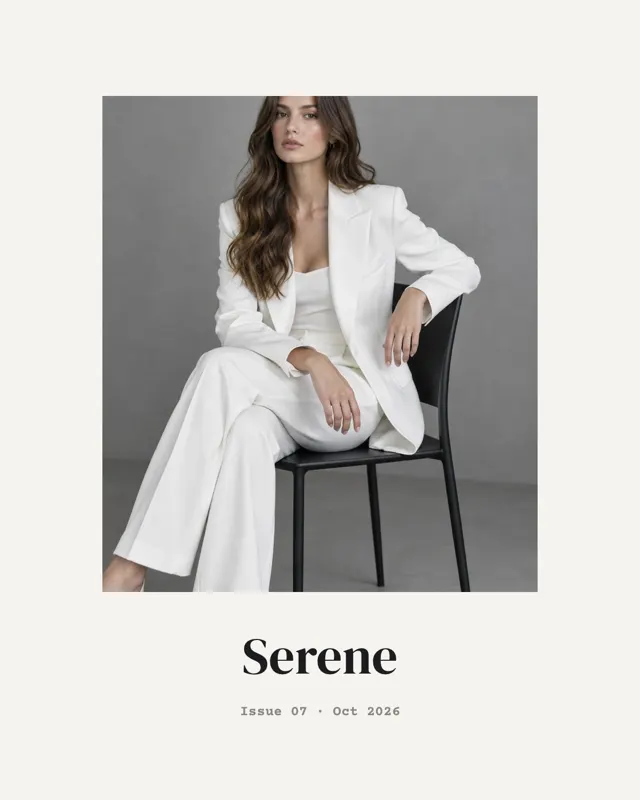
    Cover
    EditorialCover
    Gerissen
    Torn paperTorn
    Erdtöne
    MoodboardEarth Tones
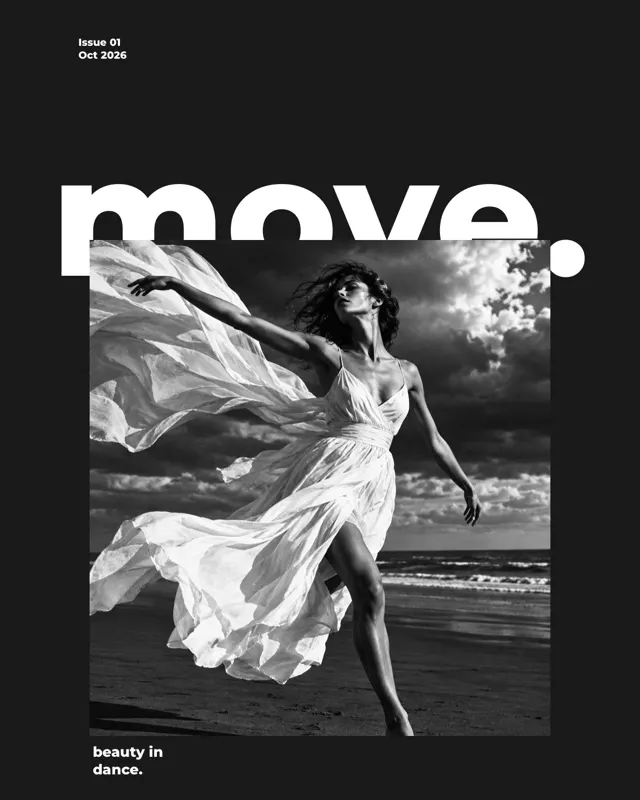
    Magazin-Cover
    EditorialMagazine Cover
    Über den Rand
    Torn paperOver the Edge
    Digicam-Story
    Instant photoDigicam Story
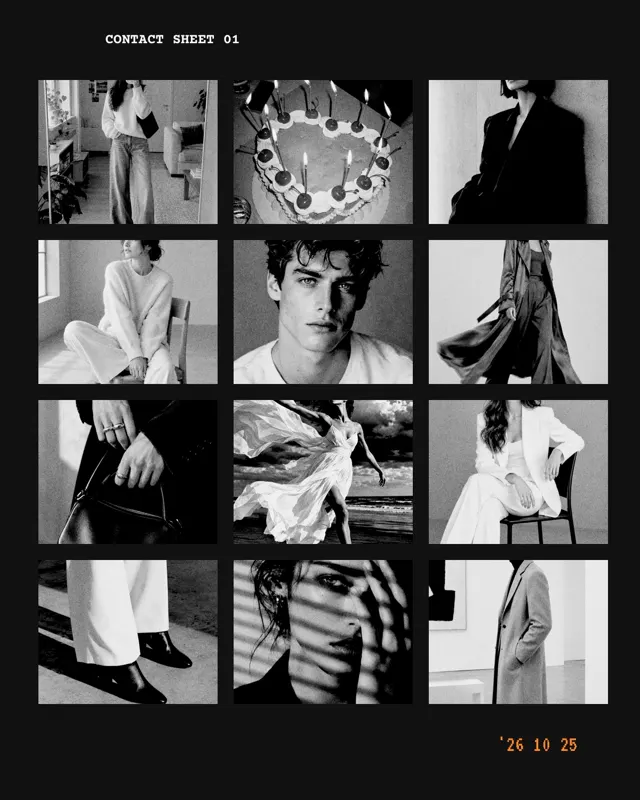
    Kontaktbogen
    Film stripContact Sheet
    Meine Muse
    EditorialMy Muse
    Jahresrückblick
    OccasionsYear in Review
    Seide
    EditorialSilk
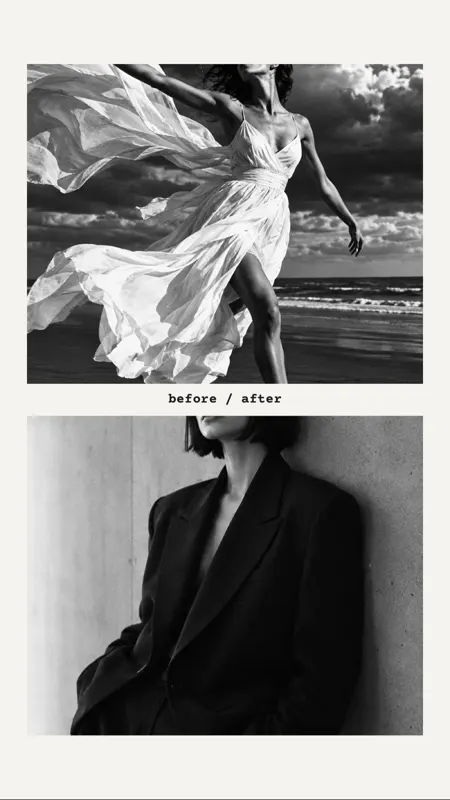
    Hälften
    EditorialHalves
    Wortraster
    EditorialWord Grid
    Filmstreifen
    Film stripFilm Strip
    Sofortbild-Wand
    Instant photoInstant Wall
    Photo Dump
    Photo DumpPhoto Dump
    Geburtstag
    OccasionsBirthday
    Notizbuch
    Vision BoardNotebook
    Dump mit Rand
    Photo DumpBordered Dump
    Muttertag
    OccasionsMother’s Day
    Plaketten
    Vision BoardPatches
    Panorama
    Photo DumpPanorama
    Initial
    EditorialInitial
    Ferien
    OccasionsHolidays
    Herzen
    OccasionsHearts
    Grosses Wort
    EditorialBig Word
    Zufall
    EditorialSerendipity
    Sofortbild
    Instant photoInstant
    Detail
    EditorialDetail
    Reiseticket
    StampsTravel Ticket
    Sofortbild
    Instant photoInstant
    Detail
    EditorialDetail
    Reiseticket
    StampsTravel Ticket
    Digicam
    Instant photoDigicam
    Zeitung
    EditorialNewspaper
    Weihnachten
    OccasionsChristmas
    Lookbook
    EditorialLookbook
    Story
    Photo DumpStory
    Triptychon
    EditorialTriptych
    Hallo!
    EditorialHello!
    Senkrecht
    EditorialVertical
    Vision Board
    Vision BoardVision Board
    Photo Dump 20
    Photo DumpPhoto Dump 20
    SW Erinnerung
    Torn paperBW Memory
    Filmstreifen
    Film stripFilm Strip
    Sofortbild-Wand
    Instant photoInstant Wall
    Hochzeit
    OccasionsWedding
    Überlappt
    Vision BoardOverlap
    Nummer
    MoodboardNumber
    Karussell
    Photo DumpCarousel
    Kreise
    MoodboardCircles
    Fotobuch
    Photo DumpPhoto Book
    Mitte
    EditorialCenter
    Namen
    OccasionsNames
    Monatsheft
    EditorialMonthly
    Profil 3:4
    EditorialProfile 3:4
    Moodboard
    MoodboardMoodboard
    Geburtstag
    OccasionsBirthday
    Notizbuch
    Vision BoardNotebook
    Moodboard
    MoodboardMoodboard
    Briefmarken
    StampsStamps
    Film-Story
    Film stripFilm Story
    Farbpalette
    MoodboardColor Palette
    Monats-Dump
    Photo DumpMonthly Dump
    Index
    EditorialIndex
    Familie
    OccasionsFamily
    Minimal
    EditorialMinimal
    Zitat
    EditorialQuote
    Duo
    EditorialDuo
    Photo Dump
    Photo DumpPhoto Dump
    Gerissen
    Torn paperTorn
    Erdtöne
    MoodboardEarth Tones
    Hochzeit
    OccasionsWedding
    Vision Board
    Vision BoardVision Board
    Photo Dump 20
    Photo DumpPhoto Dump 20
    SW Erinnerung
    Torn paperBW Memory
    Fotokabine
    Film stripPhoto Booth
    Streifen
    Film stripStrips
    Baby
    OccasionsBaby
    Haustier
    OccasionsPet
    Freunde
    OccasionsFriends
    Galerie
    EditorialGallery
    Bögen
    EditorialArches
    Cover
    EditorialCover
    Briefmarken
    StampsStamps
    Film-Story
    Film stripFilm Story

    Layouts

    Over 500 layouts.
    For 1 to 20 photos.

    The same photos, different every time. Press the button and be surprised: every roll reshuffles the number of photos, the format and the style.

    What mosa costs

    For us, free means free.

    No small print and no catch once your collage is done.

    Typical collage app Free to download
    • Ads, often as video
    • Weekly or yearly plan
    • Watermark until you pay
    • Account, depending on the app
    • Paywall when saving
    59%

    of negative collage app reviews are about money.Our own analysis: 304 reviews of 21 apps

    CHF 0.00
    • No ads
    • No subscription
    • No watermark
    • No account
    • No paywall
    0

    paywalls. Not even when your collage is done.Everything included from the start

    Privacy

    Airplane mode on.
    mosa keeps going.

    mosa needs no internet. No account, no server, no cloud. Your photos stay on your iPhone, from the first tap to the final save.

    • Offline
    • No account
    • Nothing uploaded
    • No ad trackers
    • No analytics
    1. 01Airplane mode onNo Wi‑Fi, no cellular.
    2. 02Make a collageLayout, filters, text: all local.

    3. 03SaveStraight to your Photos.

    Overview Done
    Summer, offline.28.10.
    Free Shuffle Add photo
    LayoutShapeFrameColorAaTextSticker
    Saved to Photos No internet. 0 bytes sent.
    9:41
    Wi‑Fi on Airplane mode

    Before: every other app

    ‹ExportPRO
    WATERMARK
    Save
    ✕ PRO Unlock Premium
    • No watermark
    • Save in full quality
    • All layouts
    Start subscription Renews automatically
    9:41
    • Subscription
    • Watermark
    • Paywall when saving

    Why mosa exists

    The same collage.
    Two experiences.

    My mother wanted to make a collage. A few holiday photos, a nice grid, done.

    Every app she tried wanted money first. A subscription here, a watermark there, and the paywall popped up right when she wanted to save.

    That annoyed me. So I built mosa: a collage app that is simply free. For my mother and for everyone else.

    PatrickPatrick Spielauer
    WebRise Studio, Emmenbrücke

    After: with

    ‹Done
    Save to Photos✓ Saved Best quality · JPG
    ShareVideoPrint
    Saved to Photos
    9:41
    • Free
    • No watermark
    • Saved instantly

    Built by WebRise Studio,
    Emmenbrücke.

    One screen, four states. Keep scrolling and watch WebRise Studio turn a pencil sketch into the finished mosa app.

    IdeaSketch on paper

    DesignGrid, colours, type

    DevelopmentThe real app

    App StoreThe final step
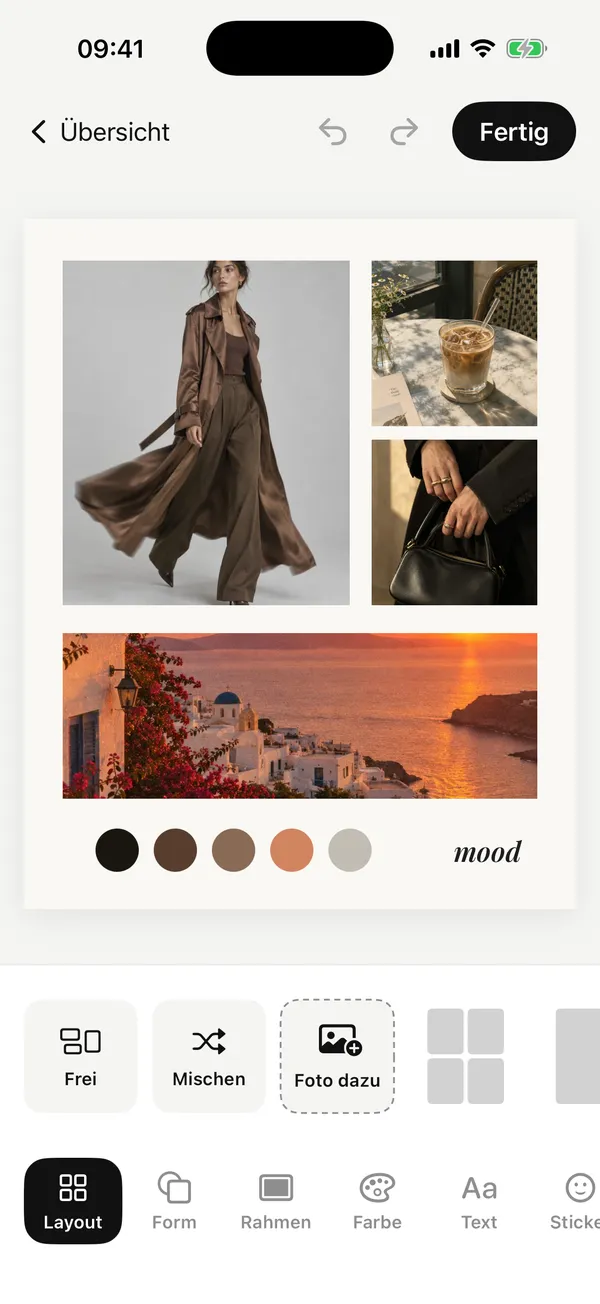
    248
    mosa: Photo Collage MakerWebRise StudioFree Get

    Canvas first

    1 to 20 photos

    Colours from the photos

    Feed 4:5

    Dividers move freely

    Text in 12 fonts

    free, no subscription

    no account

    Got an idea for an app or website?

    We’ll build yours too.

    FAQ

    Good to know.

    Everything important about mosa, the free collage app for iPhone.

    Is mosa really free?

    Yes. mosa is completely free: no ads, no subscription, no watermark and no paywall when you save. All 500+ layouts and 60+ templates are included from the start.

    Does mosa add a watermark?

    No. Your collage leaves mosa exactly as you designed it, with no logo and no lettering in the corner.

    Do I need an account or internet?

    No. mosa works without an account, without sign-up and completely offline, even in airplane mode.

    Are my photos uploaded?

    No. Your photos stay on your iPhone. mosa uploads nothing, collects no data and contains no ad trackers.

    How many photos fit in a collage?

    1 to 20 photos, in more than 500 layouts. You can move the dividers freely, and on the free canvas you place, rotate and stack photos without any grid.

    Can I save a collage as a video?

    Yes. Save it as an image in best quality or as an animated video for stories and reels, in story 9:16, feed 4:5, profile 3:4, square and print formats (4×6 and A4).

    Which devices does mosa run on?

    mosa runs on iPhone with iOS 17 or later.

    Who is behind mosa?

    mosa is designed and built by WebRise Studio in Emmenbrücke near Lucerne, Switzerland.
    mosa App-Icon

    Make your first collage.

    mosa: Photo Collage Maker. For iPhone, completely free.

    mosa is currently in review at Apple. The link is coming soon.